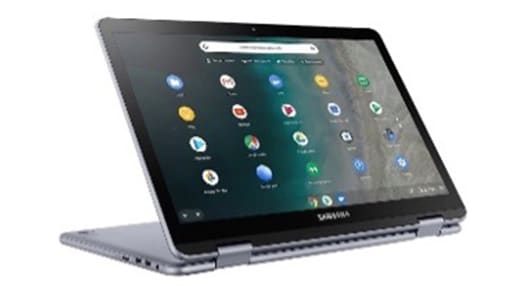
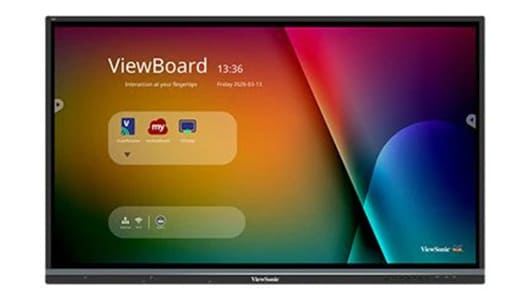
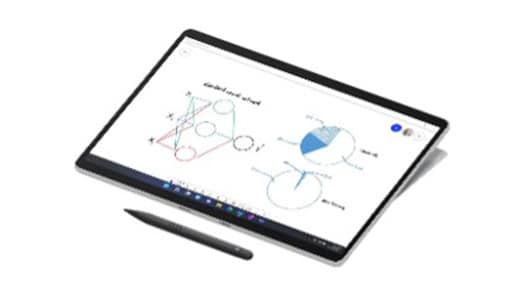
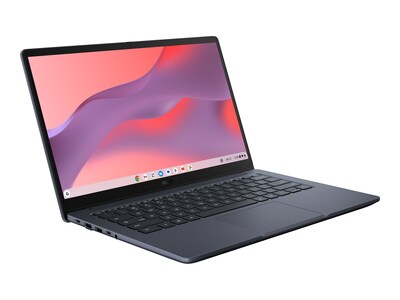
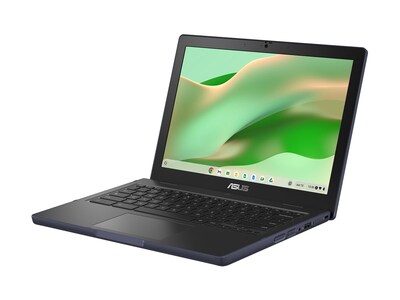
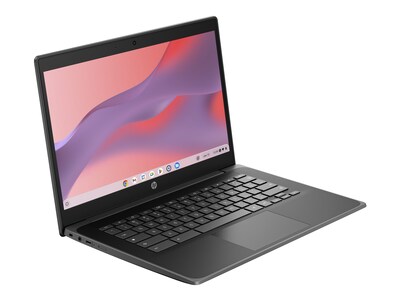
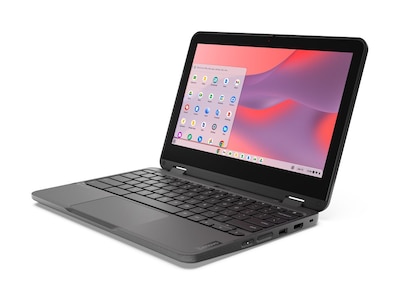
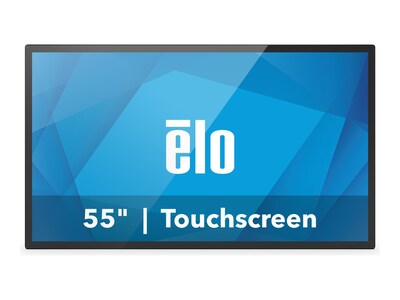
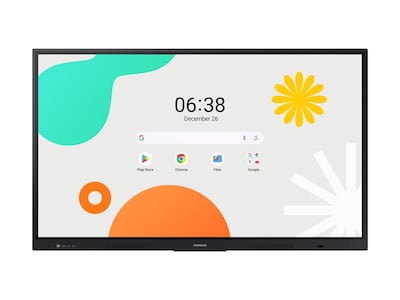
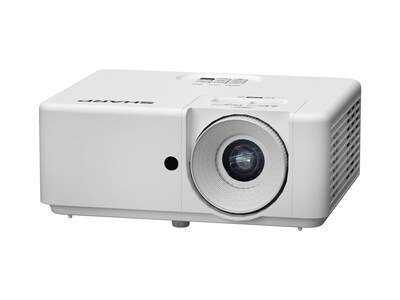
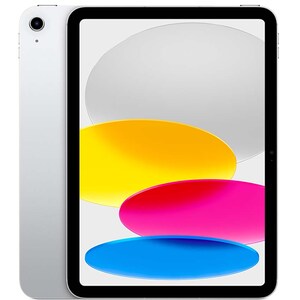
Classroom technology plays a crucial role in helping educators meet today’s educational challenges and helps prepare students for tomorrow. A classroom is no longer a blackboard and a set of fixed desks. Students are empowered with Chromebooks and tablets, interact with gamified learning software, communicate through collaboration platforms, and engage with teacher presentations on interactive whiteboards. Moveable furniture allows classroom design itself to shift to better meet the needs of the day’s lesson plan, while offering students more flexibility and better ergonomics. Whether classes are online or in-person, technology has transformed the way we teach and learn. Students can take a VR tour in a geography class, complete STEM experiments with real-time partners a world apart, or ask questions of a world-class expert during a virtual presentation. Solutions also extend to provide educators with greater professional development opportunities, reduce administrative duties, and streamline routine student scoring so they have more time with students. And for school districts, investments in infrastructure and cybersecurity provide the reliable foundation for the most exciting classroom technology that’s currently available.



Featured Classroom Technology Products
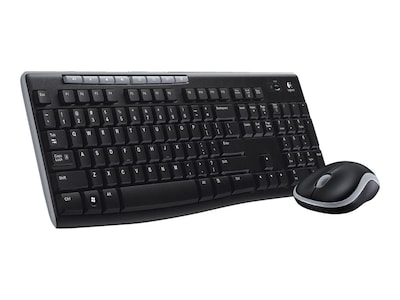



Enhance 1:1 Device Learning
Logitech works closely with leading device and software platform partners to design tools that support focus and stamina and encourage creativity and collaboration during individualized learning, small group learning, and assessments.Classroom Trends for 2026: 5 Technology Priorities Education Leaders Can Act On Today

Classroom technology is now part of everyday learning. Devices, learning platforms, and collaboration tools are embedded in daily instruction, whether learning happens in person, online, or in between.
In 2026, the priority is making what schools already use work reliably and consistently at scale. That is harder when staffing and budgets are tight, privacy and compliance expectations keep escalating, and cyber incidents continue to disrupt learning. Long-term planning is also becoming more urgent, with recent reporting showing that only 27% of states have plans to sustain K–12 digital access as key federal connectivity programs end.
The five trends below focus on practical actions, including what to standardize, reassess, or plan differently, to reduce complexity and support consistent learning.
This year’s priority is not “more AI.” It is shared guardrails that make AI use consistent, safe, and instructionally aligned. Clear guidelines, a consistent review process, and practical teacher training help move AI from ad hoc experimentation to repeatable classroom practice.
What you can do now:
2026 is moving classroom technology from prevention alone to preparedness and recovery. Communications, leadership, and instructional teams need a shared playbook so schools can keep learning moving even during an incident.
What you can do now:
Keep pace in 2026 by making privacy review a standard part of everyday edtech decisions. Pairing a repeatable review process with straightforward family communication reduces last-minute compliance issues and limits hidden exposure without blocking effective classroom tools.
In 2026, the priority is making what schools already use work reliably and consistently at scale. That is harder when staffing and budgets are tight, privacy and compliance expectations keep escalating, and cyber incidents continue to disrupt learning. Long-term planning is also becoming more urgent, with recent reporting showing that only 27% of states have plans to sustain K–12 digital access as key federal connectivity programs end.
The five trends below focus on practical actions, including what to standardize, reassess, or plan differently, to reduce complexity and support consistent learning.
Trend 1: AI Is Everywhere, So Schools Need Clear Guardrails
Generative AI is no longer limited to pilots or a few early adopters. More than half of students and teachers now report using AI tools for school-related work, often through features built into learning platforms and productivity suites. As usage spreads, informal adoption can create uneven classroom expectations and new friction around academic integrity, acceptable use, and student data.This year’s priority is not “more AI.” It is shared guardrails that make AI use consistent, safe, and instructionally aligned. Clear guidelines, a consistent review process, and practical teacher training help move AI from ad hoc experimentation to repeatable classroom practice.
What you can do now:
- Publish a simple, one-page “allowed vs. not allowed” guide for students and staff.
- Set an academic integrity standard for AI support.
- Maintain an approved-tool list and a fast path for requesting exceptions.
- Train teachers with real classroom examples, including how to use AI appropriately and how to spot errors or overreliance.
Trend 2: Cybersecurity Is Now Essential to Learning Continuity
Cybersecurity is no longer a behind-the-scenes IT concern. When systems go down, learning stops. Research shows that 82% of K–12 organizations have experienced cyber incidents, and many report direct impacts on instruction and network availability. These disruptions can cut off access to learning platforms, assessments, communications, and core school services, turning cybersecurity into a classroom continuity issue.2026 is moving classroom technology from prevention alone to preparedness and recovery. Communications, leadership, and instructional teams need a shared playbook so schools can keep learning moving even during an incident.
What you can do now:
- Confirm multi-factor authentication is enforced for staff and admin accounts, and tighten access based on role.
- Reduce password risk by standardizing identity and access management, and reviewing who has elevated privileges.
- Make sure backups exist for core systems and validate restores on a schedule
- Create a simple incident response plan that includes who communicates what, to whom, and when.
Trend 3: Student Data Privacy and Safer EdTech Decisions
As digital tools expand and AI features become default, student data privacy is harder to manage and easier to overlook. Many schools are operating with hundreds of apps in circulation, which makes it difficult to track what data is collected, where it goes, how long it is kept, and who else can access it.Keep pace in 2026 by making privacy review a standard part of everyday edtech decisions. Pairing a repeatable review process with straightforward family communication reduces last-minute compliance issues and limits hidden exposure without blocking effective classroom tools.
What you can do now:
Simplifying matters this year. The goal is a smaller, more integrated set of core platforms that work together reliably. When classroom technology systems connect cleanly, schools reduce support burden, improve consistency across classrooms, and lower the risk of data being copied into unmanaged places.
What you can do now:
In 2026, reliability depends on planning infrastructure and devices together. When planning is built around peak demand instead of average use, classroom technology stays dependable throughout the year.
What you can do now:
To get classrooms technology-ready in 2026, talk to a Connection education specialist about building a secure, reliable roadmap for devices, networks, and learning environments.
- Maintain a single inventory of approved tools, who owns each one, and what student data it touches.
- Use a consistent review process for any new tool, including required documentation for data collection, retention, and sharing.
- Require a written agreement for any tool that handles student data, with clear terms on privacy, security, breach notification, and subcontractors.
- Set rules for who can approve tools and how exceptions are handled, so decisions are consistent across schools.
Trend 4: Simplifying Classroom Technology with Integrated Tools
Expanding classroom technology leaves many schools managing fragmented toolsets. Teachers juggle multiple logins, similar apps overlap in function, and student information does not always move cleanly between systems that lead to more time spent troubleshooting and less time spent teaching.Simplifying matters this year. The goal is a smaller, more integrated set of core platforms that work together reliably. When classroom technology systems connect cleanly, schools reduce support burden, improve consistency across classrooms, and lower the risk of data being copied into unmanaged places.
What you can do now:
- Inventory your active tools and identify duplicates, low-usage apps, and tools that create extra logins.
- Standardize secure single sign-on for staff and students so access is consistent and easier to manage.
- Require reliable data exchange for any core classroom tool, including roster syncing and gradebook or content integration where relevant.
- Confirm where student data flows, who can access it, and how long it is retained, especially when tools include AI features.
Trend 5: Planning Infrastructure and Devices for Reliable Classrooms
Reliable infrastructure is still the foundation of classroom technology. As temporary funding sources expire, many schools are reassessing how they modernize networks and manage device refresh cycles. Network outages and aging devices continue to disrupt learning, especially during high-demand periods like testing windows and schoolwide updates.In 2026, reliability depends on planning infrastructure and devices together. When planning is built around peak demand instead of average use, classroom technology stays dependable throughout the year.
What you can do now:
- Measure wireless performance in real classrooms and plan capacity for peak demand, not average daily use.
- Set a standard device model per grade band or use case, and limit exceptions to defined needs.
- Define a repair workflow with spare pools, accessories management, and clear turnaround targets.
- Plan for critical periods like assessment windows with a readiness checklist for devices, Wi-Fi, and key platforms.
Keep Learning Moving in 2026
This year, success will be defined less by how much technology is adopted and more by how well it supports learning day to day. When systems are reliable, expectations are clear, and complexity is kept in check, technology fades into the background and learning takes center stage.To get classrooms technology-ready in 2026, talk to a Connection education specialist about building a secure, reliable roadmap for devices, networks, and learning environments.

Revolutionize Your Classroom
Traditional teaching methods are no longer enough. LG CreateBoard™ offers advanced presentation and collaboration tools designed to boost student engagement and empower educators.Student Learning
Technology Enhances Student Learning
Digital-native students have access to the devices they need to stay connected, engaged, and excited about learning. Laptops and tablets help break down the digital divide while providing students with supportive and personalized learning that meets their needs. With expanded digital tools such as collaboration platforms, virtual reality, and gamified learning, students are taken beyond the four walls of the classroom to learn in the context that’s right for them. Trends for designing student-centered classrooms include digital displays, interactive whiteboards and projectors, and movable furniture that transforms static classrooms into spaces where learners are eager to spend time. Today’s emerging classroom technology enhances student learning in a variety of ways, sparking creativity, supporting growth, and helping students thrive throughout K–12 and beyond.

Enabling Student Success
Apple and Higher Education
Today’s higher education leaders recognize the importance of providing equitable access to the tools and resources that are critical to enabling this success for every student. This has become even more important—yet even more challenging—with the rise of hybrid and online learning environments.
Against this backdrop, many higher education leaders are developing strategic initiatives centered on providing Apple products to all students and faculty to ensure equitable access to cutting-edge tools that support a holistic approach to student success. This document is intended for higher education leaders who are interested in exploring how Apple products can help them create amazing experiences focused on student success in a hybrid learning environment.
How the Right Technology Can Motivate Students
An Essential Student Learning Resource
One of the biggest questions educators, administrators, and parents face is: How do we really get students invested in learning? What will it take to ignite their passion, help them explore their unique abilities and skills, and create the foundation for a lifelong habit of learning? In this essential resource, take a deep dive into the latest technologies and how they’re helping today’s students stay focused on learning.

Educators’ Tools
Technology Empowers Educators
Educators are being asked to adapt to a wide range of learning environments. Whether teaching online, in hybrid settings, or in the classroom, technology empowers educators to support the needs of students. From professional development opportunities to technologies that can automate assessment scoring, today’s new solutions free up time and expand educators’ knowledge. With the right technology and support, teachers can spend less time on administrative work and more time where it counts the most—engaging with and inspiring students for classroom success.

Professional Development for Educators
Bringing teachers and students together through modern and effective technology
As remote teaching and learning continue to become the mainstays of the modern education landscape, technology is evolving quickly to meet the demands of a socially distanced world. As a result, there has never been a greater need to support teachers with improving their own skills—and ultimately student outcomes.
Connection’s professional development services assist teachers with integrating appropriate and meaningful instructional technology tools for effective teaching and learning.
Microsoft in Education

A Full-Circle Connection Customer Success Story with Microsoft in Education
When the pandemic hit in March of 2020, educators were faced with huge challenges while transitioning to virtual learning. At the time, Cindy Daniels—a former Principal turned Professional Learning Consultant and certified MIE at Connection—had been working with and training K–12 teachers. She quickly transitioned her own approach, and began virtually training educators on how they could use Microsoft 365 to better reach students and organize their classes and content.
A Connection Customer Success Story with Microsoft in Education
Rachel Hatten, Director of Professional Development at the David C. Anchin Center for the Advancement of Teaching, is a big believer in the “tinkering mentality” when exploring tech tools, particularly when it comes to teaching.“The more we can get our pre-service teachers engaged in that mentality, the more willing they are to let students take risks and try things out. It is okay to use a tool you are not fully versed in and let the kids teach you! They will explore. They will become the experts.”
Classroom Technology Resources
Technology Is Transforming the Classroom
Emerging technologies are transforming today’s classrooms and reshaping how students learn, interact, and prepare for future careers and other academic challenges. Take a closer look at the latest research and how technology is shaping innovative classrooms.

Education Tech
Stimulate Learning with the Right Technology
Education tech—computers and tablets, interactive displays and projectors, network infrastructure, software solutions, and more—are essential for today’s educational institutions. The right technology can:
- Cut costs
- Help administrators
- Promote achievement
- Stimulate learning
- And more!