ScreenBeam Products Showcase
About ScreenBeam
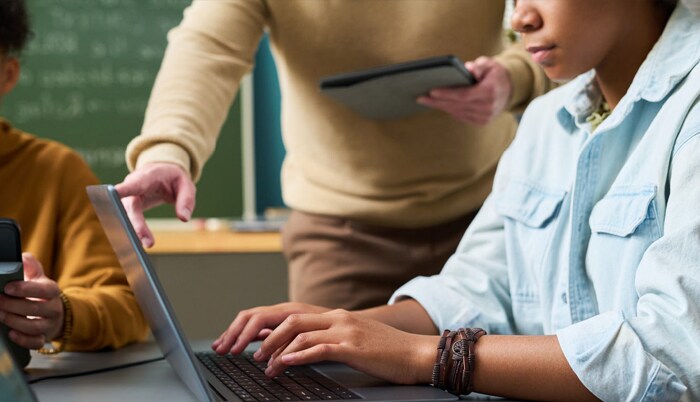
Contactless technologies and hybrid learning are top of mind as students return to the classroom. ScreenBeam can equip you with the right solutions to ensure safe contactless environments for true, spontaneous collaboration in your learning environment. Choosing ScreenBeam solutions is your best opportunity to visualize safe yet productive classrooms in response to your Covid-19 strategy.
ScreenBeam for K–12 Education
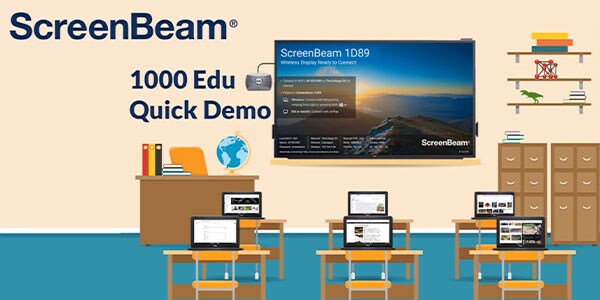
The award-winning ScreenBeam 1000 EDU wireless presentation system allows teachers to share and annotate content on the classroom display from any device. Only ScreenBeam provides a completely app-free experience and eliminates all physical contact points between the teacher’s device and the classroom display for a completely contactless experience.
ScreenBeam for Higher Education
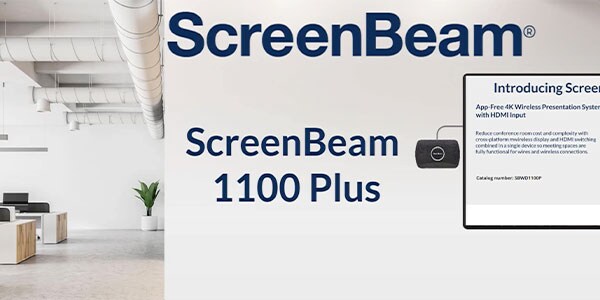
Reopen campuses safely with ScreenBeam 1100 Plus standards-based wireless presentation. Implement social distancing protocols and minimize touchpoints wherever possible, while creating a more agile learning environment that inspires better engagement and collaboration that will reap benefits today and into the future.
What Sets ScreenBeam Apart From The Rest
Easy to Use: No Apps, Dongles, or Cables
Support for Miracast™, AirPlay, and GoogleCast allows teachers and presenters to use any device to display content to the front of room display without having to install an app or use a dongle or cable.
Flexible Employee and Guest Connections
A multi-network architecture allows ScreenBeam to connect to both internal and guest networks simultaneously without compromising security.
Wireless Touchback and Inking
With a Windows 10 device, teachers and presenters can wirelessly ink and annotate in Office 365 apps and share notes to student or meeting participant devices or the front‑of‑room display.
Multi-view and Quick Switch Mode
Up to four participants can share content simultaneously and presenters do not need to disconnect before allowing the next presenter to assume control.
Integrated Digital Signage
Idle displays in classrooms, teacher lounges, and meeting rooms can be used to transmit important communications with integrated HTML-based digital signage capability.
Centrally Manage Receivers
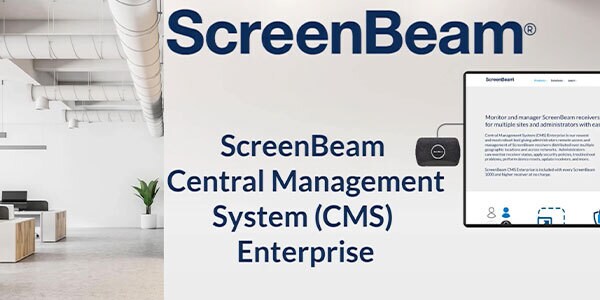
Each receiver includes Central Management System (CMS) Enterprise software to monitor and manage ScreenBeam receivers using a standard Web browser, and support multi-user and role-based access for large deployments with multiple sites and administrators.
ScreenBeam Classroom Commander
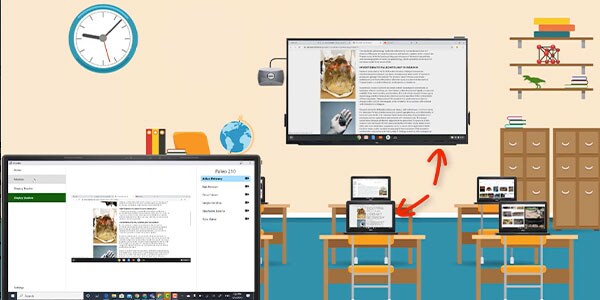
Bonus! Every ScreenBeam 1000 EDU receiver includes ScreenBeam Classroom Commander orchestration software, providing teachers control of up to 50 student Chromebook or Windows 10 devices.ScreenBeam Classroom Commander combines wireless display with student device orchestration to improve lesson flow and collaboration. Teachers are untethered from the classroom display to create an agile learning environment by moving freely and interacting with students without interrupting instruction. Combining all the benefits users come to expect from a premium ScreenBeam wireless display experience, Classroom Commander gives students and teachers an untethered learning experience to share, collaborate, present, and interact together, while teachers maintain complete control of the classroom.
Reverse Engineering the Modern Classroom
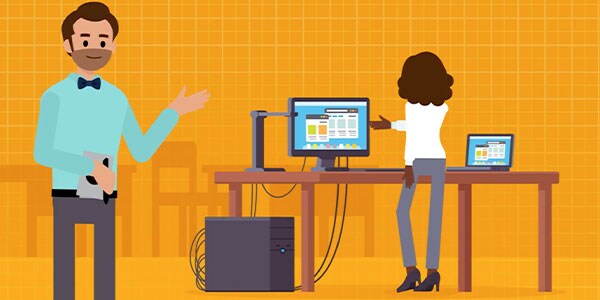
The goal of classroom technology solutions is largely agreed upon—educators want teachers to be free to move about the classroom untethered, using a mobile, wireless device to engage students and connect with them in unprecedented ways. But, instead of starting by considering open, flexible spaces, network infrastructure, student devices, and more from the beginning of the project—reverse engineering asks you to first seek out an effective, proven wireless display solution.Learn how to reverse engineer the modern classroom and gain freedom of choice and more functionality with less devices and less money.
Use Technology to Safely Reopen Classrooms: Maximize CARES Dollars for Technology
Host J.W. Marshall for the Voices of E-learning podcast series interviewed ScreenBeam’s David Lopez about how technology can help safely and effectively return students and teachers to the classroom.Listen in to hear David’s advice on how districts can best determine what are the high-value, long-term investments to focus on to create contactless classroom environments and support hybrid models—all of which require technology integrations for remote interactions.